

How to Optimize Your Google Business Profile in 2026 (Step-by-Step)
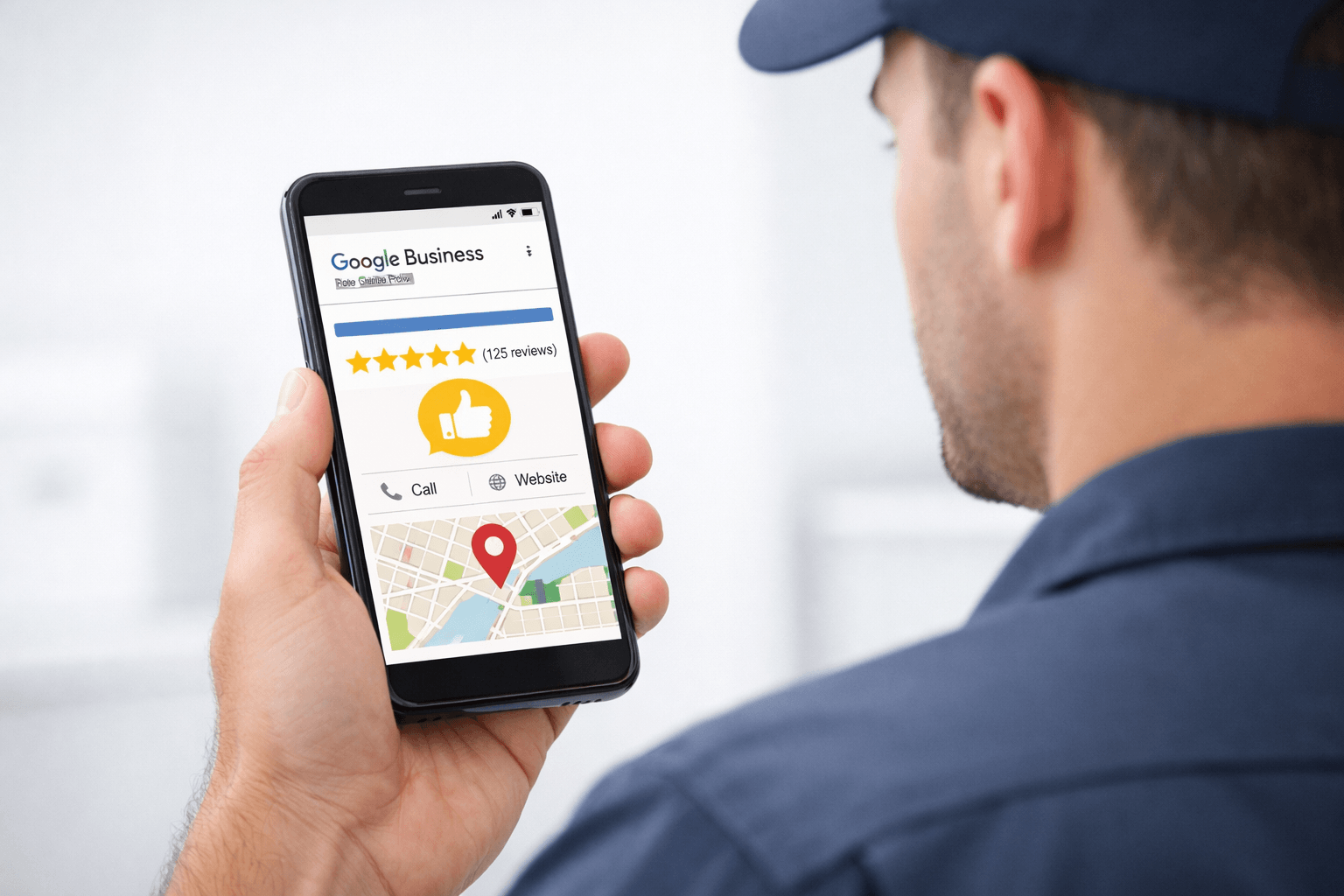
Optimize Your Google Business Profile!
Learn how to optimize your Google Business Profile and get more local leads.
For many service businesses, your business profile Google listing is the first thing potential customers see when they search for help.
If someone searches “plumber near me” or “HVAC repair Toronto”, the businesses that appear in the Google Map Pack get the majority of calls.
That means your my business profile Google listing can either generate leads every day — or quietly lose them to competitors.
The good news? Optimizing your profile doesn’t require complicated marketing tactics. With the right approach, you can significantly improve your local visibility.
Below is a step-by-step guide on how to optimize Google Business Profile in 2026 so your business appears more often when local customers search for services.
Step 1: Complete Every Section of Your Profile
One of the most common mistakes service businesses make is leaving their Google Business Profile incomplete.
Google prioritizes listings that provide full, accurate information.
Make sure your profile includes:
Business name
Accurate phone number
Website link
Business hours
Service areas
Primary and secondary categories
Detailed business description
High-quality photos
For example, if you’re an electrician in Ontario and your listing only shows a phone number but no service area or description, Google has very little information to rank your business.
Completing every section improves your chances of appearing in local search results.
Step 2: Choose the Right Business Categories
Your primary category plays a major role in how your business ranks.
For example:
Plumbers → Plumber
HVAC companies → HVAC Contractor
Landscapers → Landscape Designer
Dentists → Dentist
You can also add secondary categories for related services.
A landscaping company might add:
Lawn care service
Landscape designer
Snow removal service
This helps Google understand exactly what services you provide.
Step 3: Add Photos Regularly
Businesses with frequent photo updates receive significantly more engagement.
Photos help potential customers feel confident choosing your company.
Examples of great photos to upload:
Before and after job photos
Team members at work
Service vehicles
Completed installations or repairs
Office or shop location
For instance, a plumber posting photos of completed bathroom installations shows real work and credibility.
It also signals to Google that your my business profile Google listing is active. This allows you to not only gain the trust and credibility of google, but also earn the right reputation with your potential customers.
Step 4: Get More Google Reviews
Reviews are one of the most important ranking factors for local SEO.
When customers compare businesses, they almost always choose the one with:
More reviews
Better ratings
Recent feedback
A simple process works best.
After finishing a job, ask the customer politely for a review and send them a direct link.
Example message:
"Thanks for choosing us for your HVAC repair today. If you were happy with the service, a quick Google review would really help our local business."
Consistent reviews improve trust and increase your chances of appearing in the top 3 Google Maps results.
Step 5: Post Updates to Your Google Business Profile
Many business owners don’t realize that Google posts function like mini social media updates.
Posting regularly can improve engagement and show Google that your business is active.
Examples of posts:
Seasonal service reminders
Promotions
Completed projects
Helpful tips for homeowners
A landscaping company might post:
"Spring lawn care bookings are now open in the GTA and Durham Region."
These updates can help attract customers who are actively searching.
Step 6: Ensure Your Website Supports Your Listing
Your website and Google Business Profile should work together.
If someone clicks from your listing to your website, it should clearly show:
Your services
Your location
Contact information
Trust signals such as reviews and certifications
Many service businesses struggle with local rankings simply because their website isn’t optimized for local SEO.
A professionally managed website and content strategy helps reinforce your Google listing and improves your visibility overall.
Read our blog on improving your online presence for service businesses to learn more.
Example from Here in Ontario
Imagine a homeowner in Kitchener searching for “emergency plumber near me.”
Three businesses appear on Google Maps.
Which one gets the call?
Usually the one that has:
4.8+ star rating
Recent reviews
Updated photos
A clear description of services
A properly optimized business profile Google listing dramatically increases your chances of being chosen. This is what we specialize in. We Do It, So You Can Focus On Running Your Business!
Expert Tip: Consistency Is Critical
Here’s something many businesses overlook.
Your business information must be consistent across the internet.
Your:
Google Business Profile
Website
Online directories
Social media
should all show the same business name, phone number, and address.
Even small inconsistencies can reduce your local SEO performance.
Why Many Businesses Choose Professional GBP Management
While optimizing your my business profile Google listing is powerful, it requires ongoing effort.
Most service business owners simply don’t have time to manage:
Website updates
Google Business Profile optimization
SEO strategy
Blog content creation
That’s where a professional digital marketing agency can help.
Our team works with service businesses across Canada, and here in Ontario to improve:
Google Business Profile rankings
Local SEO visibility
Website performance
Online lead generation
With the right strategy, your online presence can become a consistent source of new customers.
Let US Help!
Ready to make your business look professional and attract more clients?
Contact us today!
Email: jenny@zahteldigitalsystems.ca | Book a consultation: Book NOW
Start today to make your business look professional, trustworthy, and ready for more clients.
